
SEO plugins
What you need: Simply Static, plus a supported SEO plugin
If you use an SEO plugin, Simply Static can carry its output over to your static site automatically. There's nothing to configure beyond switching the integration on.
Enable your SEO integration
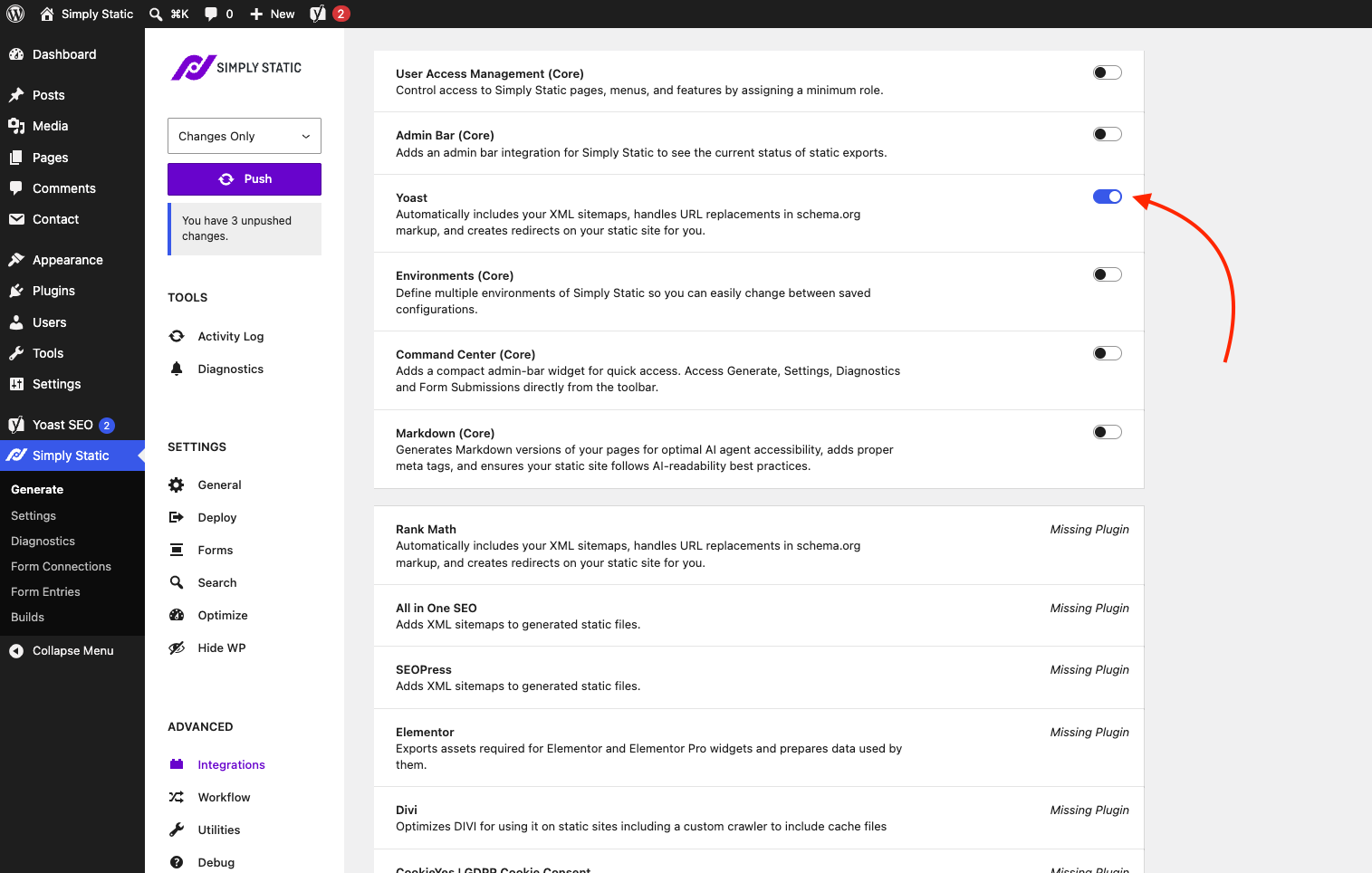
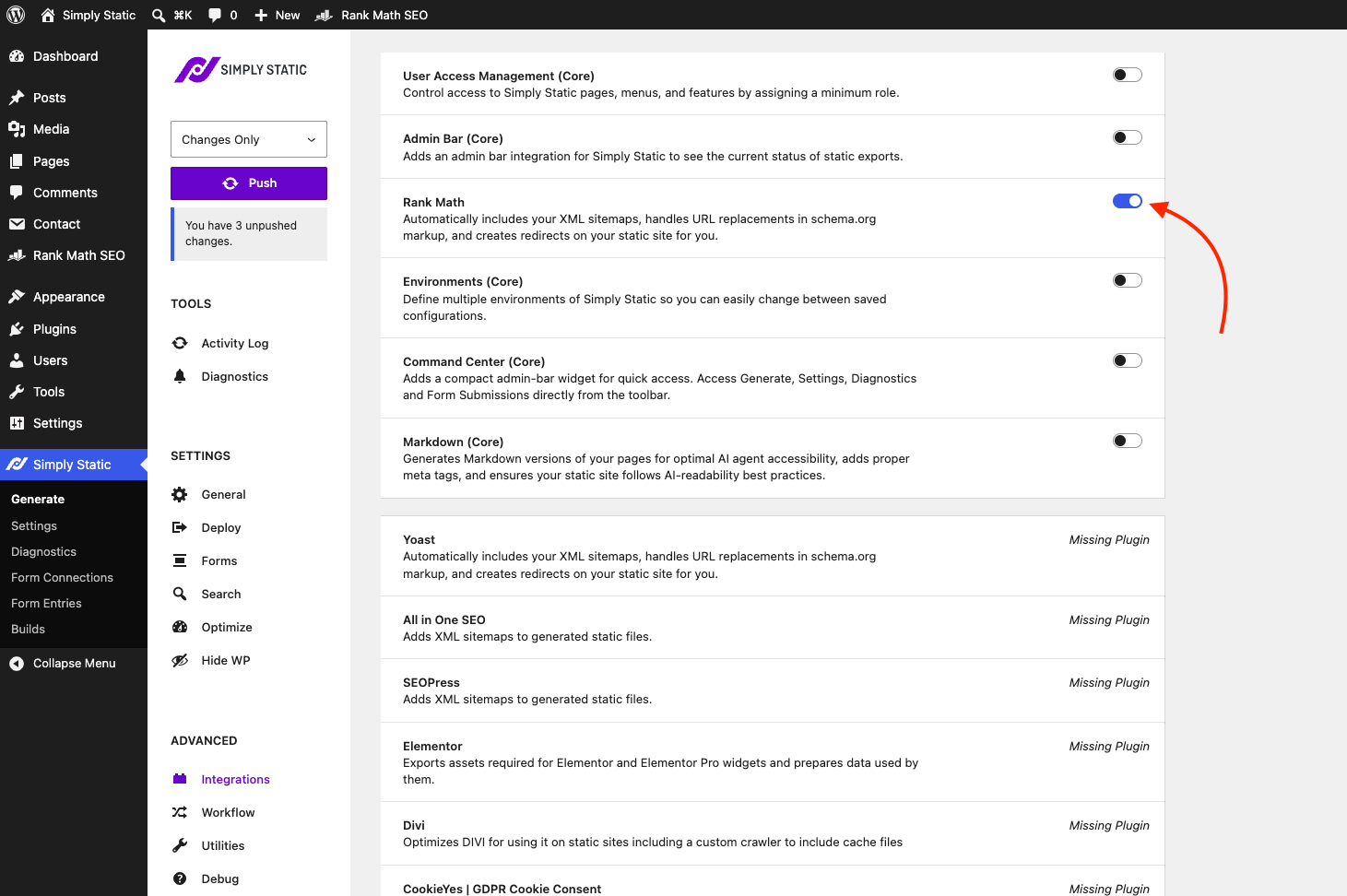
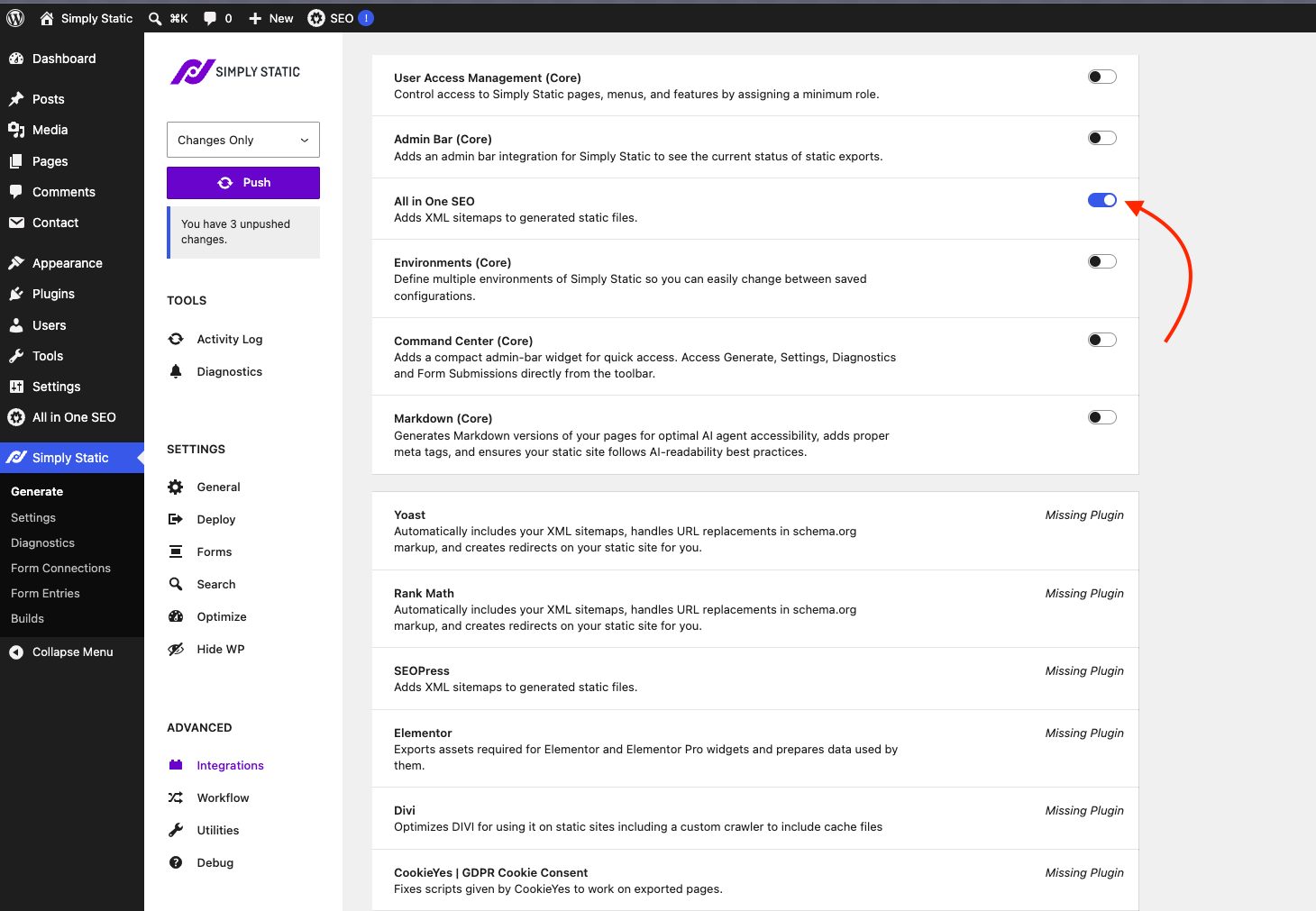
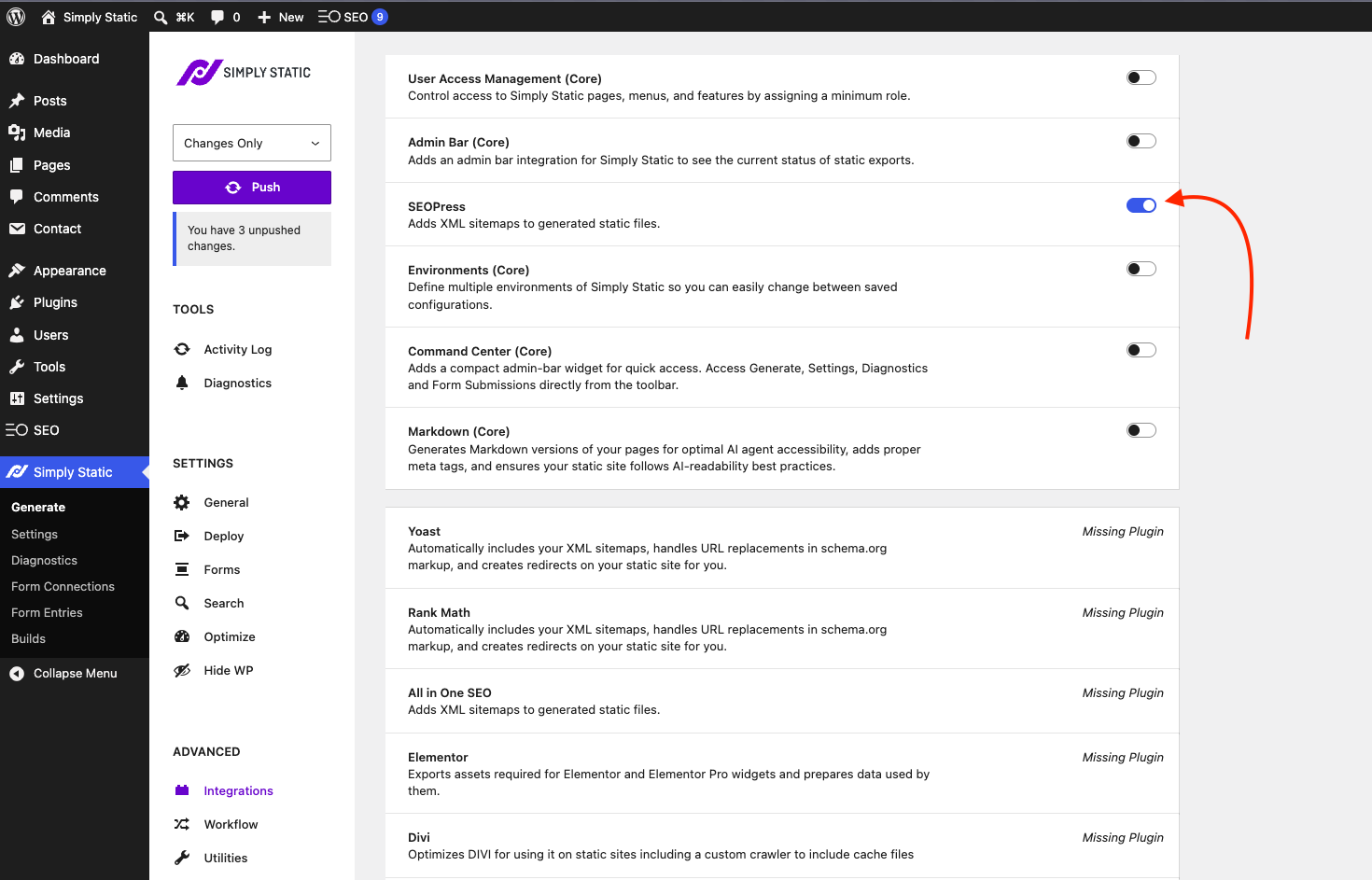
Go to Simply Static > Integrations and turn on the integration that matches the SEO plugin you use. These integrations have no extra settings, so all you do is flip the toggle, then run a push.
An integration is only switchable when its plugin is installed and active. If the plugin isn't active, Simply Static shows it as Missing Plugin and the toggle is unavailable.
Supported SEO plugins
Yoast SEO
Automatically includes your XML sitemap, handles URL replacements in schema.org markup, and creates redirects on your static site for you.
Rank Math
Works just like the Yoast integration: it includes your XML sitemap, handles URL replacements in schema.org markup, and creates redirects on your static site.
All in One SEO
Adds your XML sitemaps to the generated static files.
SEOPress
Adds your XML sitemaps to the generated static files.
Push your site
Once the integration for your SEO plugin is on, run a Push. Your sitemap, and for Yoast and Rank Math the schema.org URL replacements and redirects, are included automatically as your static site is built.