Markdown
What you need: Simply Static Pro
AI agents and LLMs are increasingly how people and tools discover your content, and Markdown is one of the easiest formats for them to read. The Markdown integration creates a Markdown copy of every page on your static site and points AI agents to it.
This is separate from llms.txt, which Simply Static has supported for a while. Markdown works alongside it.
Enable the integration
Go to Simply Static > Integrations and turn on Markdown.
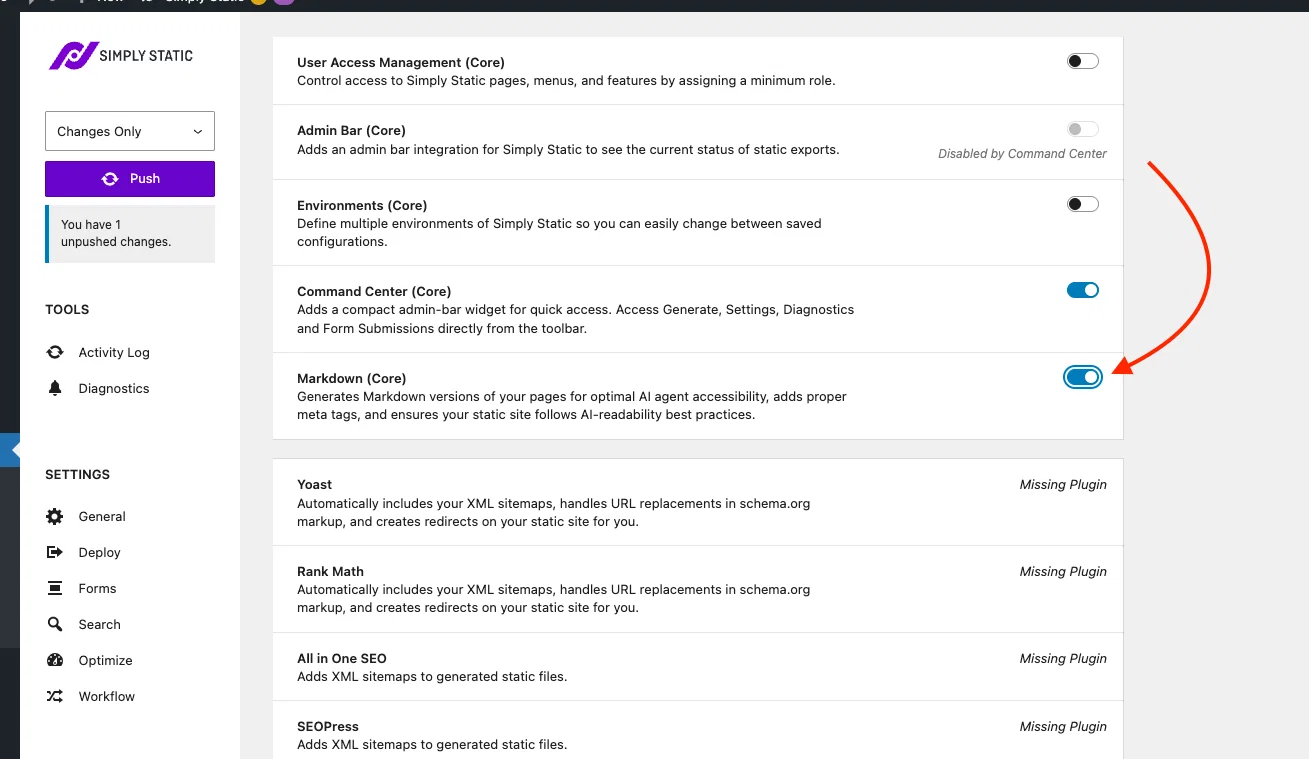
Enabling it adds an extra task to your push that runs between fetching your pages and sending the files to your deployment target.
What it does
When you push, the integration creates a Markdown copy of every index.html in your static site. You can view any page's Markdown version by changing the file extension to .md; for example, mysite.com/sample-page.md.
To help AI agents find it, Simply Static adds an alternate link tag to each page's <head> pointing at the Markdown version:
<link rel="alternate" type="text/markdown" href="https://mysite.com/index.md">
Push your site
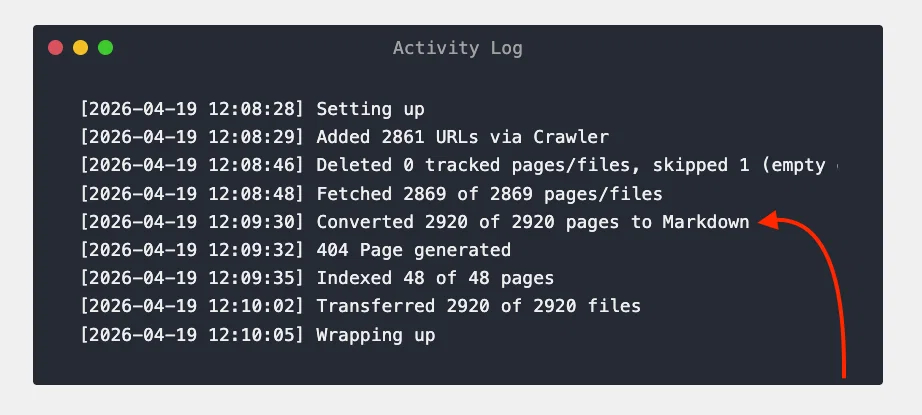
After enabling the integration, run a Push. You'll see the Markdown task appear in the Activity Log, and the .md files will be included in your static site.